

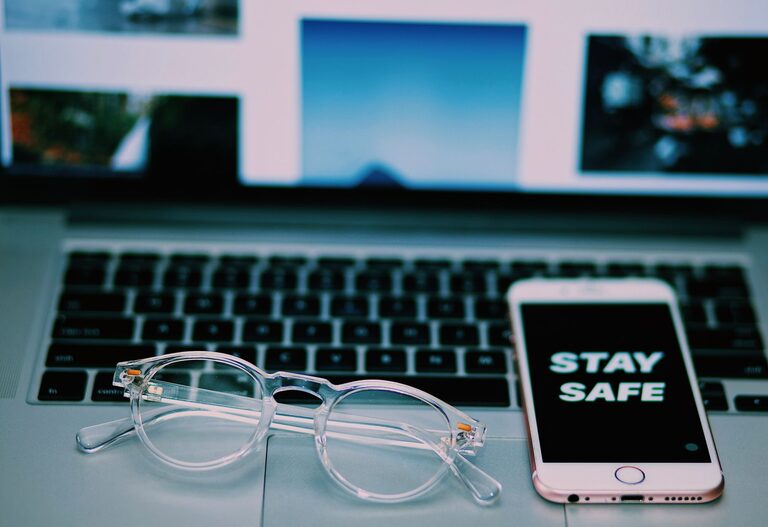
Keeping your phone and keyboard clean is essential for both hygiene and device longevity. Daily use often leads to the buildup of dirt, oils, and germs on these surfaces, which can affect performance and potentially spread bacteria. However, cleaning your devices improperly can cause damage. This guide will walk you through safe and effective methods to clean your phone and keyboard.
Why Clean Your Phone and Keyboard?
Phones and keyboards are among the most frequently handled devices. They collect fingerprints, dust, food particles, and bacteria. Regular cleaning helps to:
– Maintain device appearance
– Reduce germs and bacteria
– Prevent sticky keys or screen smudges
– Extend device lifespan
With the right approach and materials, you can keep these devices in great shape without risk.
General Safety Tips Before Cleaning
– Power off your devices. Always switch off your phone and unplug your keyboard before cleaning.
– Avoid liquids inside the device. Moisture can damage internal components.
– Use gentle cleaning agents. Harsh chemicals can degrade screen coatings or plastic keys.
– Use soft, lint-free cloths. Microfiber cloths are ideal.
– Be gentle. Avoid pressing too hard, especially on screens and delicate keys.
—
How to Clean Your Phone Safely
Phones require gentle cleaning since their screens and ports can be sensitive.
Materials Needed
– Microfiber cloth
– Isopropyl alcohol (70% or less) or pre-moistened wipes designed for electronics
– Cotton swabs
– Compressed air (optional)
– Soft brush (optional)
Step-by-Step Guide
- **Turn off your phone.** Remove any case or accessories.
- **Remove dust and debris.** Use compressed air or a soft brush to clear out dust from ports and crevices.
- **Prepare your cleaning cloth.** Slightly dampen a microfiber cloth with isopropyl alcohol or use a specialized electronic cleaning wipe. Avoid spraying liquids directly on the phone.
- **Wipe the screen and body.** Gently clean the screen, back, and sides. Use circular motions to lift oils and fingerprints.
- **Clean buttons and ports.** Use a dry cotton swab to carefully clean around buttons, speakers, and charging ports.
- **Dry completely.** Allow the phone to air dry before turning it back on or replacing the case.
What to Avoid
– Avoid bleach, window cleaners, or household detergents.
– Never submerge your phone in water.
– Don’t over-wet your cloth; too much moisture can seep inside.
—
How to Clean Your Keyboard Safely
Keyboards can trap crumbs, dust, and oils between keys, which can impact typing and hygiene.
Materials Needed
– Microfiber cloth
– Isopropyl alcohol (70% or less)
– Cotton swabs
– Can of compressed air
– Small brush (optional)
Step-by-Step Guide
- **Unplug or turn off your keyboard.** If wireless, remove batteries.
- **Shake out loose debris.** Turn the keyboard upside down and gently shake it to dislodge crumbs and dust.
- **Use compressed air.** Blow air between the keys to remove stuck particles.
- **Clean the key surfaces.** Lightly moisten a microfiber cloth with isopropyl alcohol. Wipe each key and the surrounding areas. Avoid dripping moisture.
- **Detail tight areas.** Use cotton swabs dipped lightly in alcohol to clean between keys and edges.
- **Dry and reassemble.** Let the keyboard dry fully before reconnecting or turning it on.
Additional Tips for Mechanical Keyboards
– Carefully remove keycaps if possible, following manufacturer instructions.
– Clean keycaps separately with mild soap and water, then dry completely before replacing.
—
Routine Cleaning Recommendations
– Clean your phone screen daily with a microfiber cloth.
– Deep clean your phone and keyboard weekly or biweekly.
– Avoid eating over your keyboard to reduce crumbs and spills.
– Wash your hands before using your devices to keep oils and bacteria at bay.
—
Final Thoughts
Regular cleaning of your phone and keyboard not only keeps them looking and working their best but also helps maintain good hygiene in your work or living space. Using gentle materials like microfiber cloths and diluted alcohol solutions ensures safe and effective cleaning without risk of damage. By incorporating these simple steps into your routine, you can enjoy cleaner, more pleasant-feeling devices every day.